
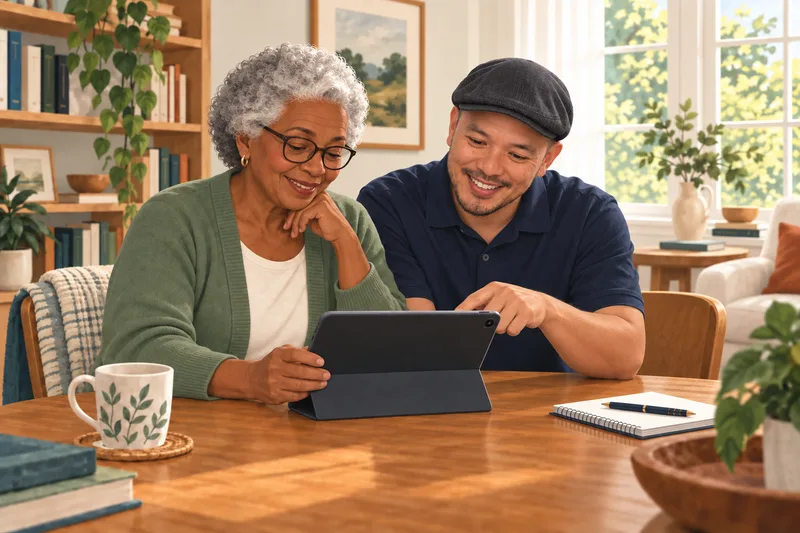
Arranging technology help for a parent should feel reassuring. CyberGuardia gives your family a patient person to turn to in Bethesda and the surrounding DC metro area.
Arrange Help, Even From Far Away
Tell us what your parent wants to do and what gets in the way. With their permission, you can join the planning conversation or the session. We confirm who is paying and what updates may be shared before we begin.
Independence Comes First
We speak directly to the person using the device. We repeat steps, write them down, and adjust the pace. Access to cameras, accounts, and family devices is always discussed openly.
A Useful First Visit
- Simplify the home screen and important contacts.
- Practice video calls and sharing photos.
- Review recovery contacts and scam warning signs.
- Agree on next steps everyone understands.
Each family member uses their own portal account. We do not ask families to share passwords. A caregiver’s portal does not automatically expose a parent’s records.
Before the Appointment
Once the visit is arranged, prepare a short list of the things the person using the device would like to practice.
- Choose two or three everyday tasks to practice first.
- Keep passwords and recovery codes private; the account owner enters them.
- Have the device, charger, and any written questions ready. Bring them if you are attending a workshop.
After the Visit
We leave simple notes when useful and make sure the person using the device has time to try the steps. If a family member is involved, updates follow the agreement made at the start. A caregiver or relative does not automatically receive access to another person’s portal, messages, or records.
- Read the guide: Your Next Video Call.
- Read the guide: Keep a Safe Copy of Your Photos.
Common questions about help for families
Can I arrange help for a parent who lives elsewhere?
Yes. We can discuss the goal and coordinate a visit. The person using the device remains involved, and we agree on payment and what information may be shared.
Can family members use one Client Portal account?
No. Each person uses their own account. A family member’s account does not automatically provide access to another person’s records.
Can I pay for help without getting access to my parent’s accounts?
Yes. We can agree on who pays while keeping the person using the device involved in decisions about access, work, and what may be shared afterward.
Can you monitor a relative or respond to an emergency?
No. CyberGuardia can help set up compatible consumer devices, but does not provide emergency monitoring, medical advice, or a guaranteed response. Use the appropriate emergency service for an immediate safety concern.
Learn With Me
Learn a specific skill, build confidence over time, or combine troubleshooting with guided practice. We demonstrate, let you try, and leave clear notes you can use again.