Menu Menu

Windows & Mac · Quick guide

Close a Suspicious Pop-up — Quick Guide

A quick reminder to pause, close a suspicious browser warning and reopen carefully. Use the full Windows and Mac guide if the browser is stuck or you already responded.

Video · 1:12 · No account needed.
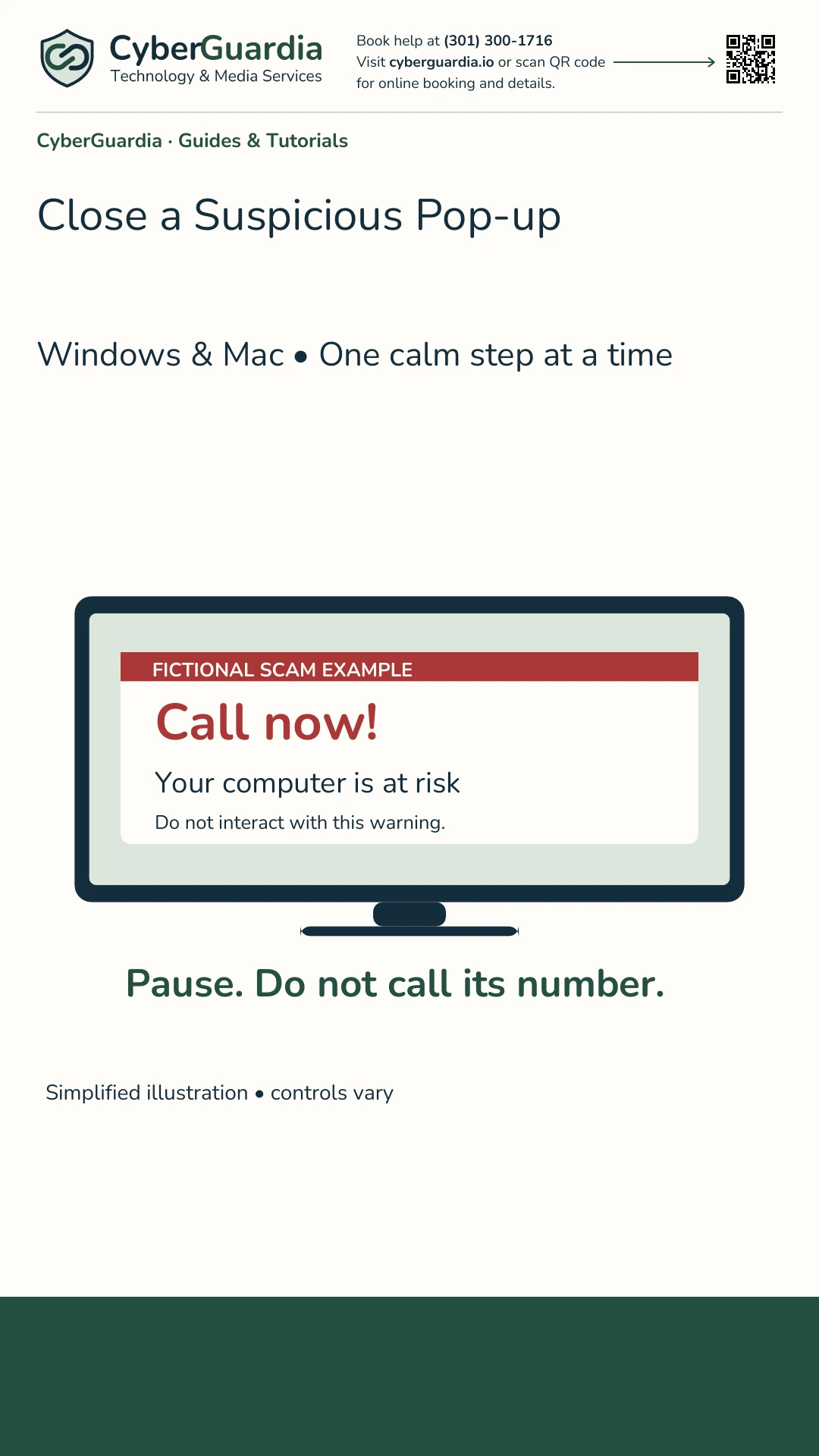
Choose the play symbol at the bottom right to watch here. YouTube connects only after you choose Play. Use CC for captions when available, or adjust playback speed in the player settings.

Read the Written Guide

Share This Video

Watch on YouTube or open the transcript

Reviewed answers

Ask CyberGuardia

What would you like help with? We’ll look for an answer in our Common Questions.

Please do not enter passwords, payment details, or private health information. Your question stays in this browser and is not sent to an AI service.

Browse all Common Questions