
You Choose the Access
Ask us to explain anything you do not understand. Extra work or file transfers require discussion and authorization.
See the Connection StepsFriendly help. You stay in control.
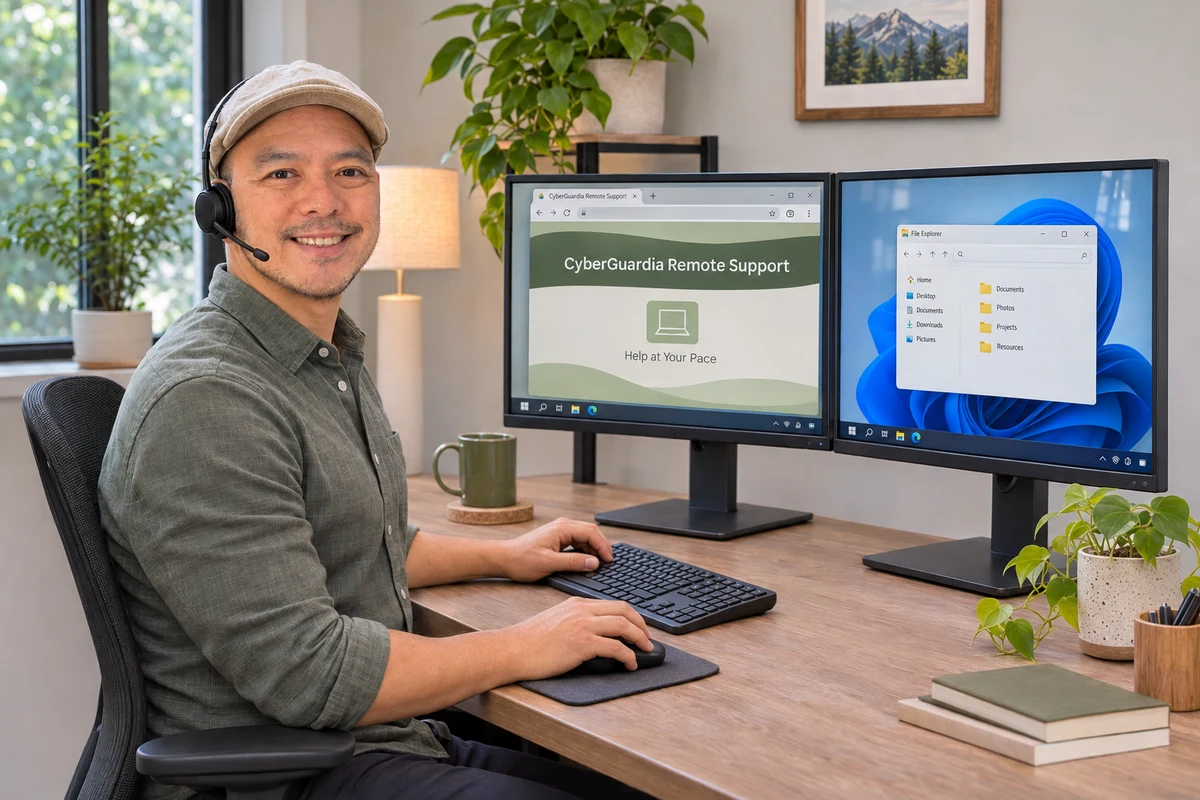
CyberGuardia Remote Support lets us help with everyday technology during an appointment you arranged.
We explain the work and charges before starting. You choose when to connect—and when to stop.
Review the remote-support terms and privacy information.
Ask us to explain anything you do not understand. Extra work or file transfers require discussion and authorization.
See the Connection StepsYes. Agree on the time, task and charges with CyberGuardia before connecting. A support request alone does not confirm an appointment.
CyberGuardia provides your support using Splashtop software. Its name can appear in app stores and device permission prompts.
No. Ongoing monitoring, unattended access and recurring billing require a separate agreement.
Service provided by CyberGuardia Technology & Media Services using Splashtop software. Arrange Help · Review Pricing