
Online Safety · iPhone & Android
Spot a Scam Text Message—and Know What to Do
Pause, check, report and protect yourself. Follow one action at a time.
PDF · 11 pages · Large print · 178 KB
Choose your route
Read the first safety checks, then follow your phone section. These are simplified illustrations; buttons vary by version. Android instructions use Google Messages.
If you shared money or personal information, use the recovery steps first. Save evidence before deleting.
Pause before responding
All phones | If you shared information, use the recovery section below.
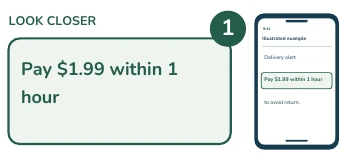
1. Notice the pressure.
An unexpected fee, a threat, or a prize can be a warning sign. In this fictional delivery text, the short deadline pressures you to hurry.
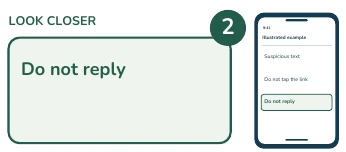
2. Leave the text alone.
Do not tap the link, call a number in the text, or reply, even to say stop. A name or logo does not prove the text is real.
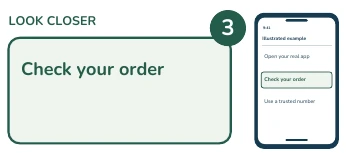
3. Check another way.
Open the company app you already use, or contact it through a number you know is real. If money or personal information was shared, use the recovery steps first.
iPhone | Block the sender
Messages app | Open the conversation, without tapping its link.
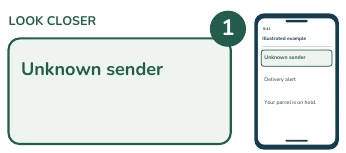
1. Tap the sender at the top.
On an iPhone, open the conversation without touching its link. Tap the sender icon or number at the top.
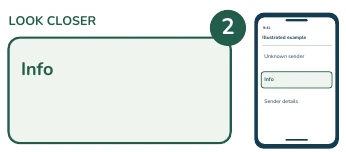
2. Tap Info.
Tap Info to open the sender details. Scroll down if you need to find the blocking option.
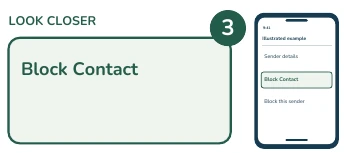
3. Tap Block Contact.
Tap Block Contact. On some versions it says Block this Caller. Confirm if asked. This blocks this sender, but scammers can use other numbers.
iPhone | Report and delete
If you lost money, save evidence before deleting. See the recovery section below.
1. Return to the conversation.
Return to the conversation. Do not reply. Look below the message for the reporting link.
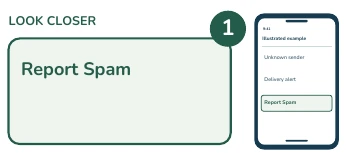
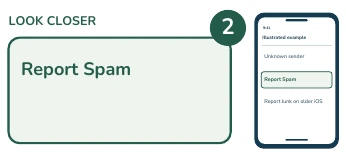
2. Tap Report Spam.
Tap Report Spam, or Report Junk on older versions. If it is missing, use your carrier reporting option instead. Reporting may be unavailable after replying.
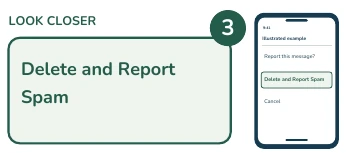
3. Tap Delete and Report.
Choose Delete and Report Spam, or Delete and Report Junk. This reports the message and removes it. Reporting alone does not block the sender. Reports share message and sender details.
Android | Report and block
Google Messages app | Other messaging apps have different controls.
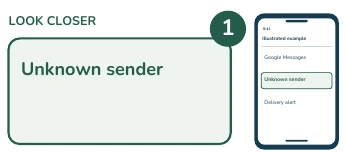
1. Touch and hold the text.
For Android, these steps use Google Messages. In the conversation list, touch and hold the suspicious conversation.
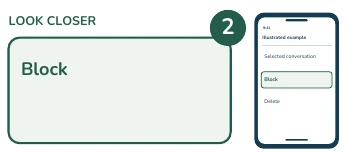
2. Tap Block.
Tap Block in the selected conversation tools. If your phone uses a different messages app, its labels may differ.
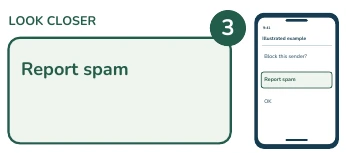
3. Select Report spam.
Select Report spam if you want to send a report. Reporting shares recent incoming messages and sender information with Google and possibly your carrier.
Android | Finish the report
Google Messages | A report also blocks and moves the conversation.
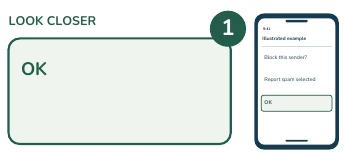
1. Tap OK.
Tap OK. Google Messages blocks the sender and moves the reported conversation into Spam and blocked.
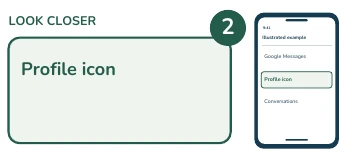
2. Tap your profile icon.
Return to the main conversation list and tap your profile photo or icon.
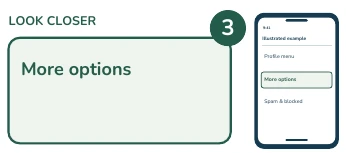
3. Tap More options.
Tap More options if shown. Some versions show Spam and blocked directly. If you can already see it, select it instead.
Android | Delete the text
Optional | Leaving it in Spam & blocked is also an option.
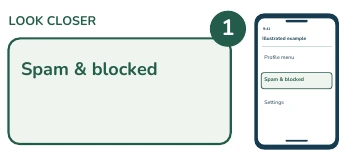
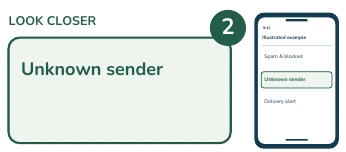
1. Tap Spam & blocked.
Tap Spam and blocked. You may leave the message there, or continue to delete it. Save evidence first if there was a loss or account problem.
2. Touch and hold the text.
Touch and hold only the conversation you want to remove.
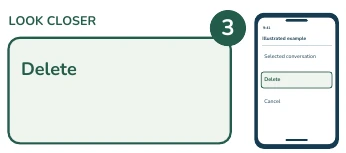
3. Tap Delete.
Tap Delete, which may appear as a trash can. Read the confirmation carefully before you continue.
Finish deleting | Other reports
U.S. reporting options | Reporting can share a copy of the message.
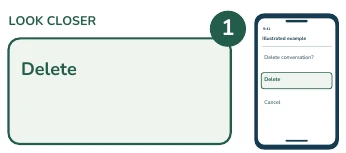
1. Confirm Delete if asked.
If asked, confirm Delete. Google Messages deletion cannot be undone. If the conversation already disappeared, this step is finished.
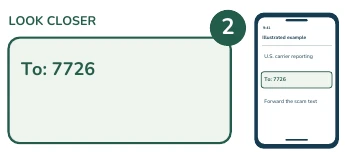
2. Report to your carrier.
Another U.S. option is to forward the scam text to seven seven two six, which spells spam. This sends a copy to your carrier. If forwarding is unfamiliar, ask the carrier for help.
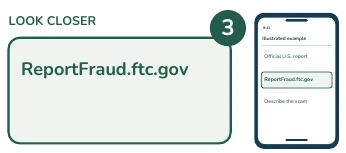
3. Report the scam to the FTC.
You can also type Report Fraud dot F T C dot gov into your browser. Reporting helps authorities, but it does not guarantee a refund.
Already tapped a link?
Stay calm. Opening a page does not by itself prove infection.
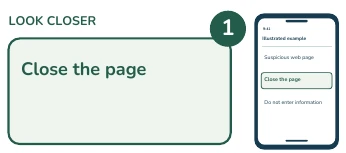
1. Close the suspicious page.
If you already tapped the link, stay calm. Close the suspicious page. Do not enter information, install anything, or approve access. Tapping alone does not prove your phone is infected.
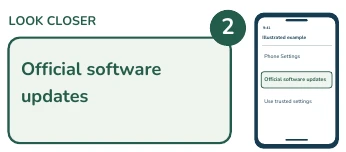
2. Update your phone.
Use your phone settings and official app store to update the phone and browser. Never install an update offered by the suspicious page.
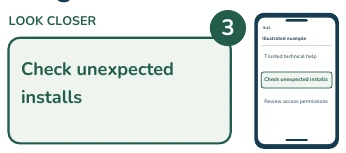
3. Get help if you installed anything.
If something downloaded, installed, or you approved access, get trusted technical help. Use a different trusted device to protect your accounts if remote access may still be active. Do not call a support number in a pop-up.
If you shared information
Act promptly. If money was involved, contact the bank first.
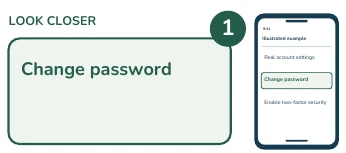
1. Protect an exposed account.
If you shared a password or sign-in code, contact the real service and secure the account now. Change any exposed or reused password, enable two-factor authentication, and use official recovery help if locked out.
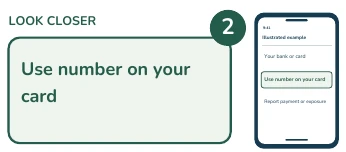
2. Call your bank or card issuer.
If you paid or shared card or bank details, contact your bank or payment provider immediately using a trusted number. Ask about securing the account and stopping or reversing payment. Keep screenshots and receipts before deleting.
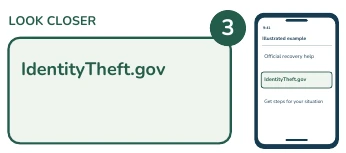
3. Use identity-theft help if needed.
If identity information was exposed or misused, visit Identity Theft dot gov for steps for your situation. There is no need to feel embarrassed. Ask a trusted person for help. Do not pay someone promising guaranteed recovery.
Keep these reminders nearby
Blocking one sender cannot stop every scammer. Reporting may share the message and sender details. Save evidence first if money or accounts were affected. No legitimate helper needs your password or sign-in code.
Sources and phone differences
- Apple: report spam and block senders
- Google Messages: report spam
- FTC: scam text messages
- FTC: what to do if you were scammed
Reviewed October 20, 2026. U.S. reporting information. Need help? Call (301) 300-1716.