Menu Menu

Before You Buy Online: Five Checks for Safer Shopping

Phones · Tablets · Computers

Shop at your pace. Pause, check and then decide. The illustrations use fictional stores and reserved .example addresses.

PDF · 8 pages · Large print · 182 KB

1. Open the official site or app

Use a retailer you know, a saved bookmark, or an app you have verified.

Do not let a link choose for you. Ads, search results and messages can lead to look-alike sites. Find the store independently if unsure.
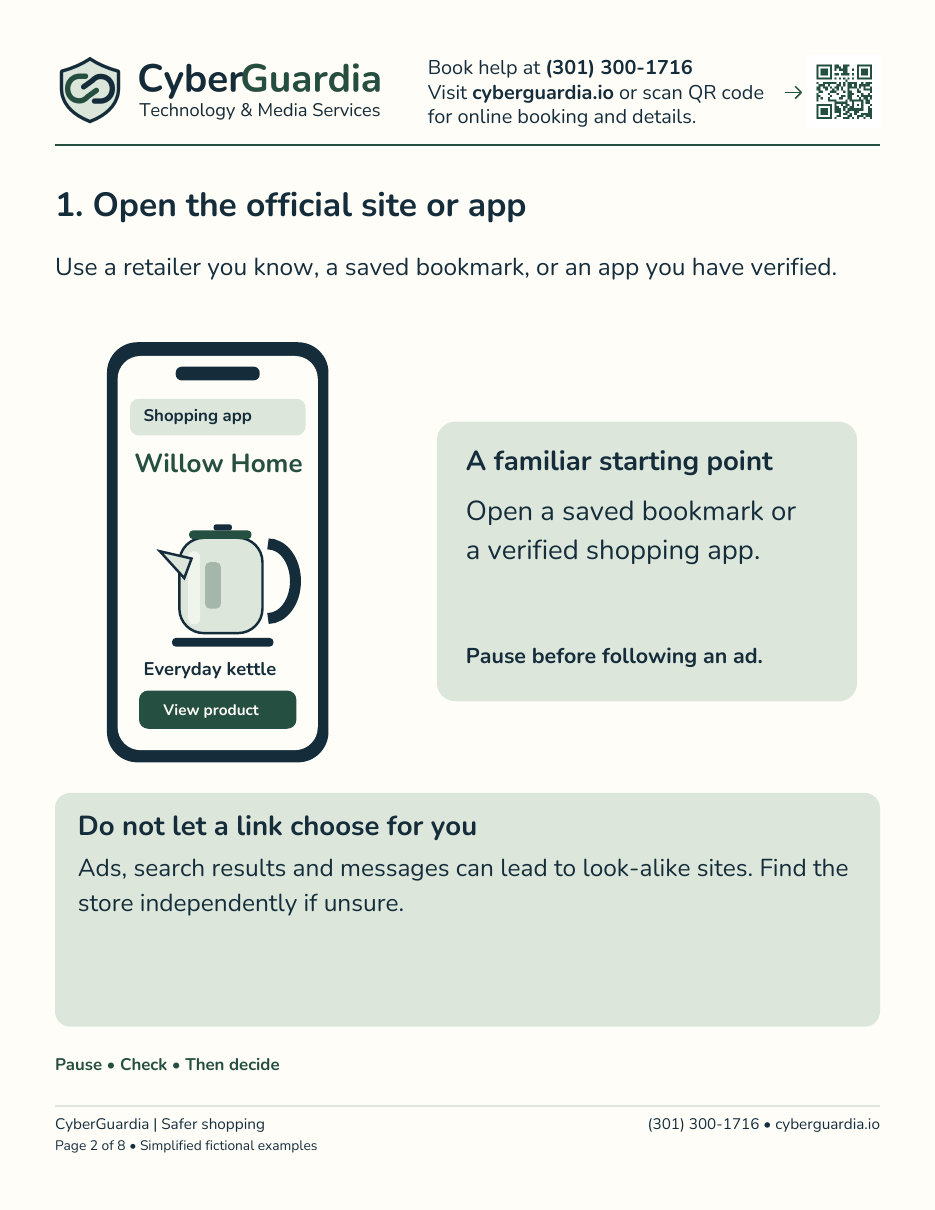
Illustrated printed page: 1. Open the official site or appView full size

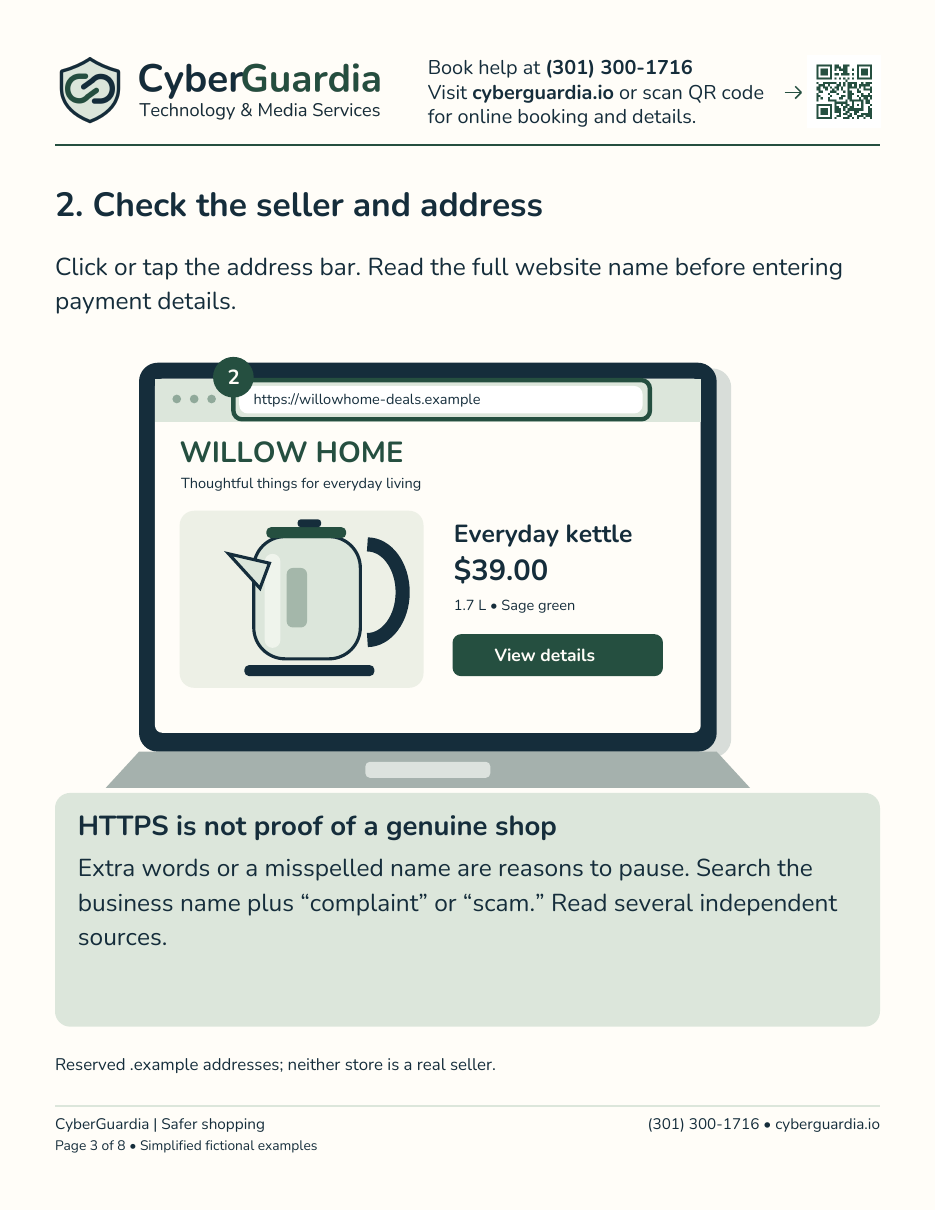
2. Check the seller and address

Click or tap the address bar. Read the full website name before entering payment details.

HTTPS is not proof of a genuine shop. Extra words or a misspelled name are reasons to pause. Search the business name plus “complaint” or “scam.” Read several independent sources.

Willow Home and both .example addresses are fictional. HTTPS protects the connection; it does not prove the seller is genuine.

Illustrated printed page: 2. Check the seller and addressView full size

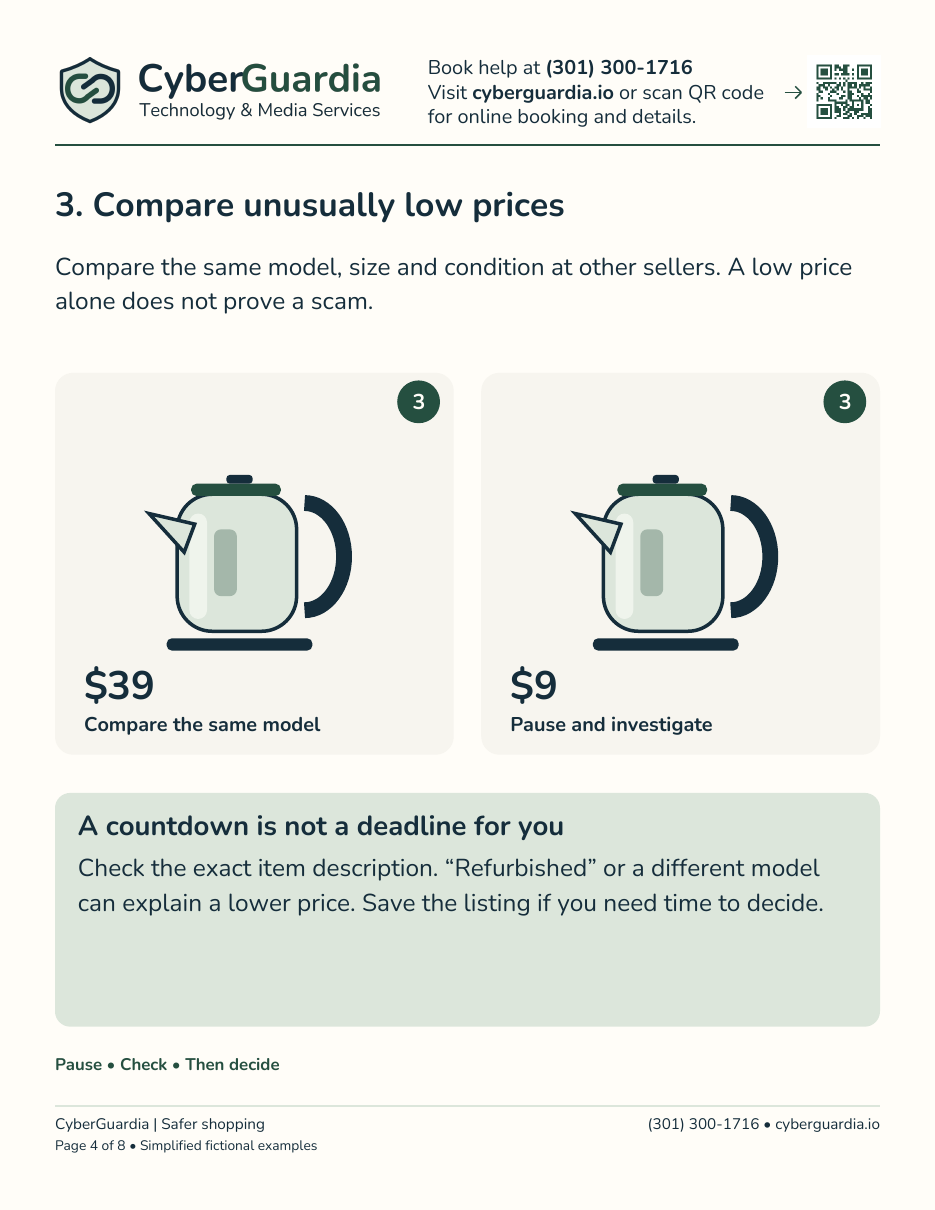
3. Compare unusually low prices

Compare the same model, size and condition at other sellers. A low price alone does not prove a scam.

A countdown is not a deadline for you. Check the exact item description. “Refurbished” or a different model can explain a lower price. Save the listing if you need time to decide.

Illustrated printed page: 3. Compare unusually low pricesView full size

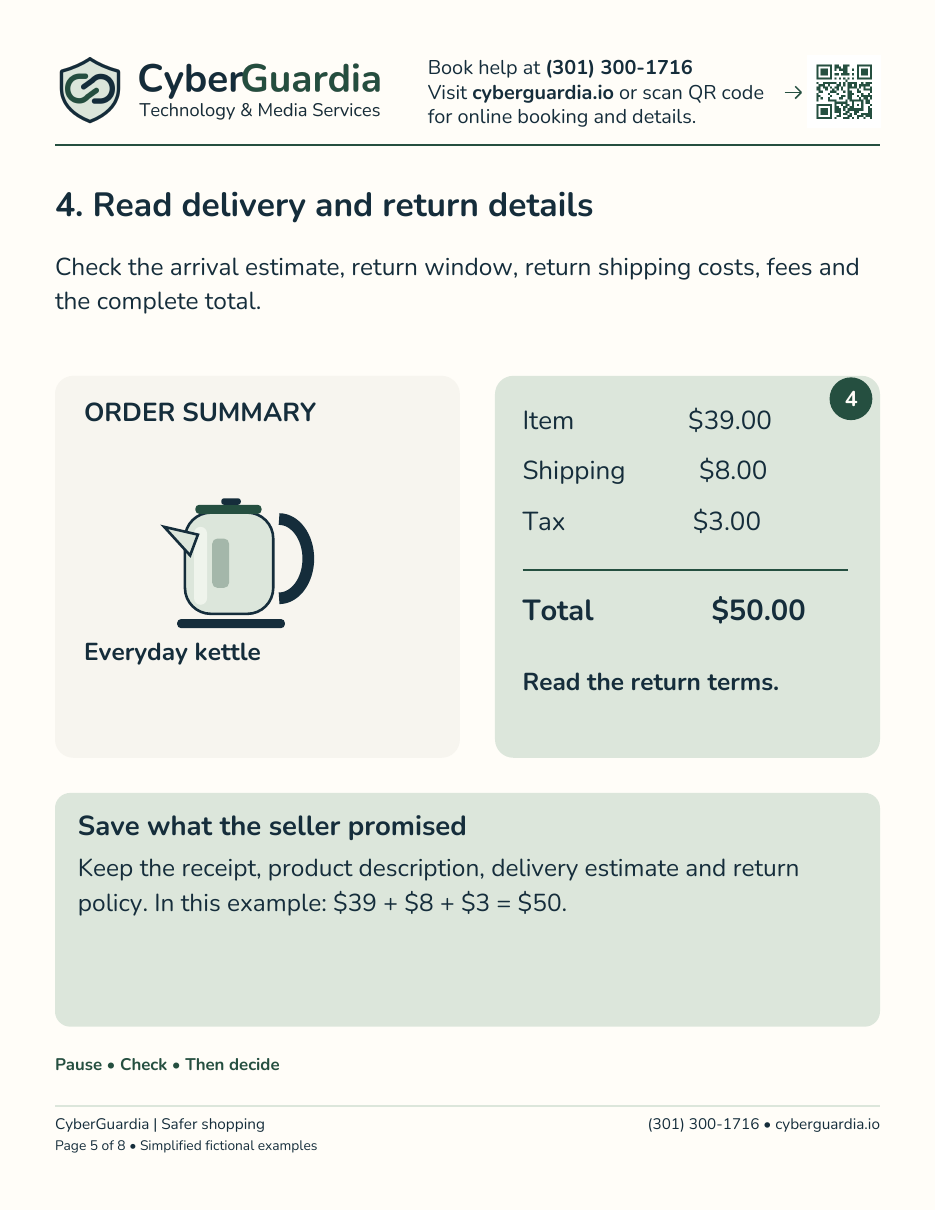
4. Read delivery and return details

Check the arrival estimate, return window, return shipping costs, fees and the complete total.

Save what the seller promised. Keep the receipt, product description, delivery estimate and return policy. In this example: $39 + $8 + $3 = $50.

Illustrated printed page: 4. Read delivery and return detailsView full size

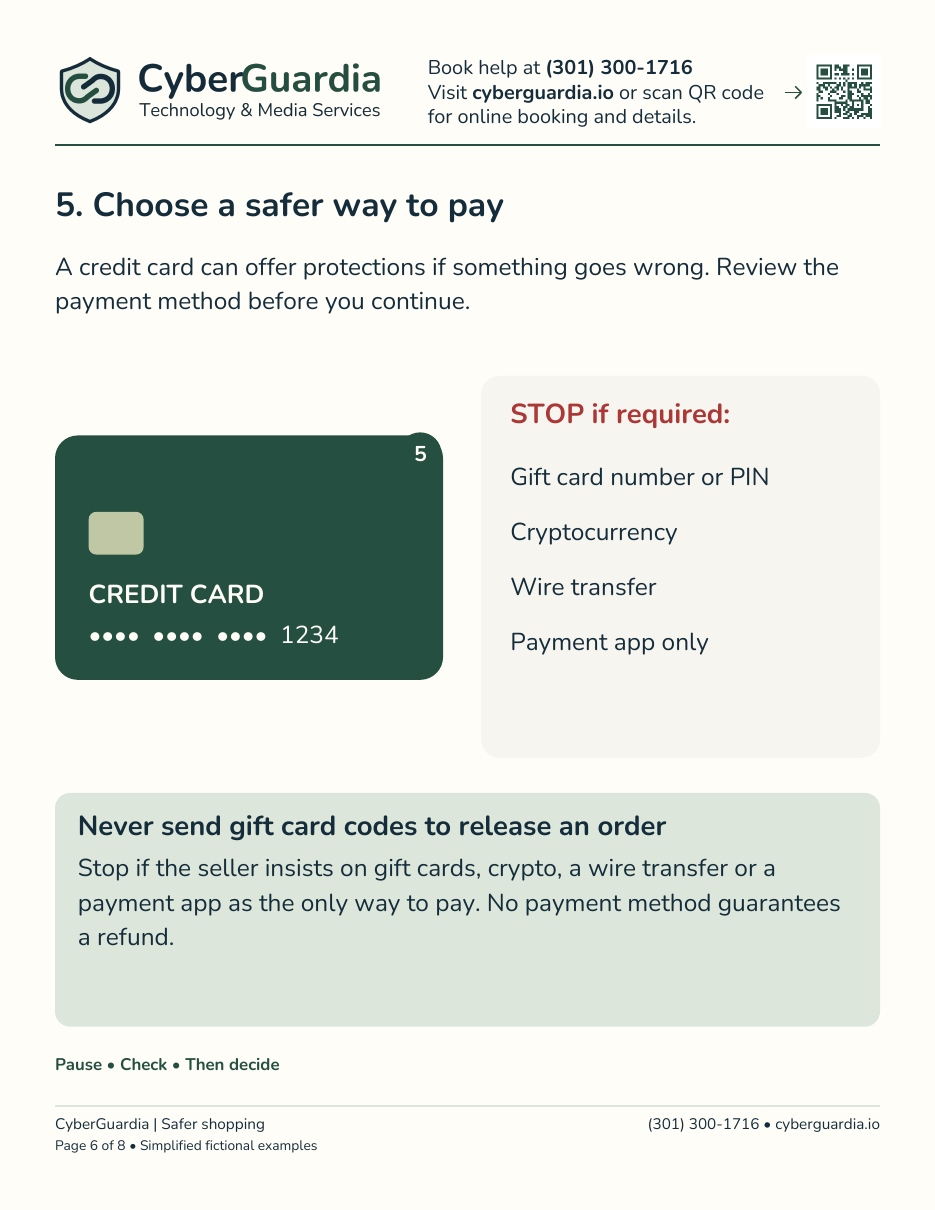
5. Choose a safer way to pay

A credit card can offer protections if something goes wrong. Review the payment method before you continue.

Never send gift card codes to release an order. Stop if the seller insists on gift cards, crypto, a wire transfer or a payment app as the only way to pay. No payment method guarantees a refund.

Illustrated printed page: 5. Choose a safer way to payView full size

Already paid a suspicious seller?

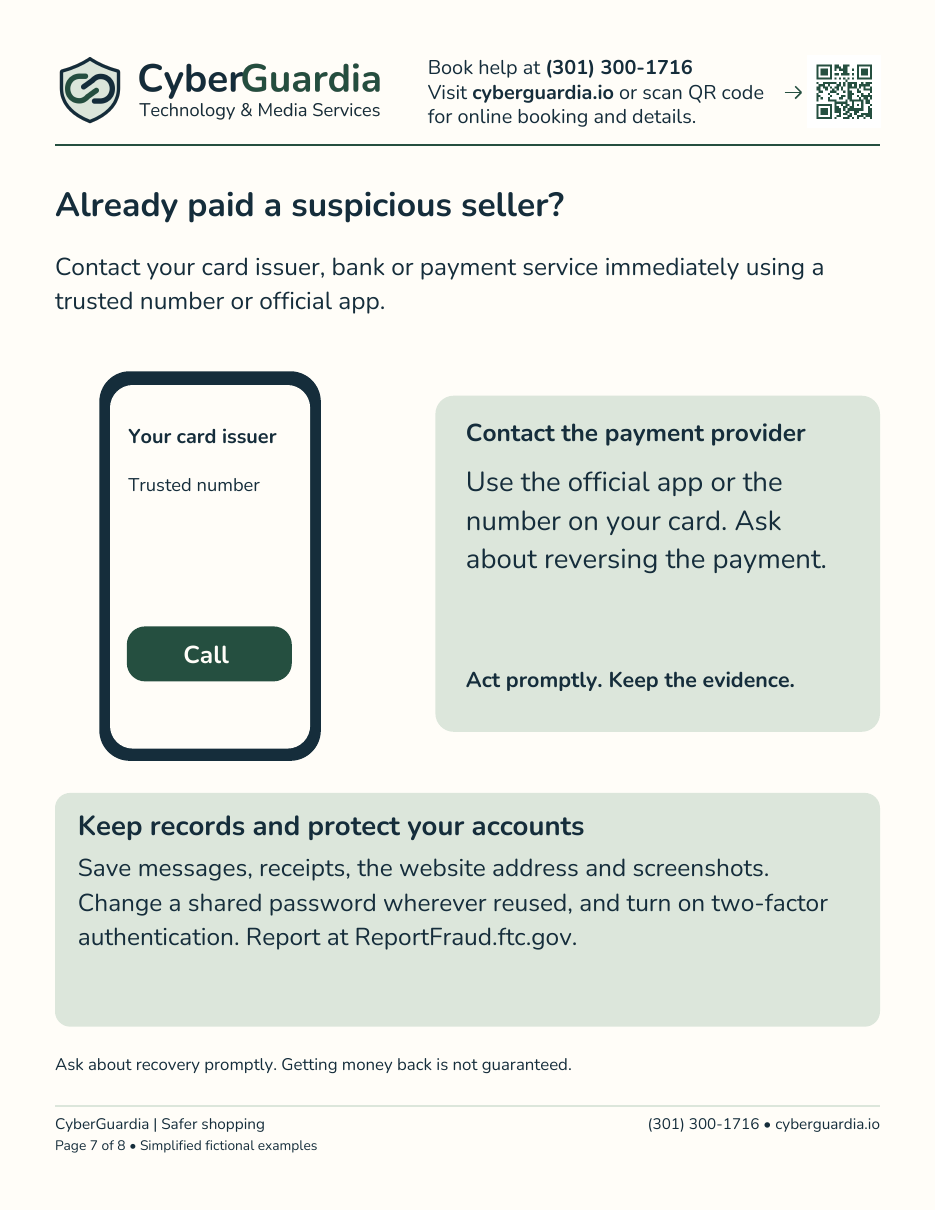
Contact your card issuer, bank or payment service immediately using a trusted number or official app.

Keep records and protect your accounts. Save messages, receipts, the website address and screenshots. Change a shared password wherever reused, and turn on two-factor authentication. Report at ReportFraud.ftc.gov.

Ask about reversing the payment promptly. Getting money back is not guaranteed. Report at ReportFraud.ftc.gov.

Illustrated printed page: Already paid a suspicious seller?View full size

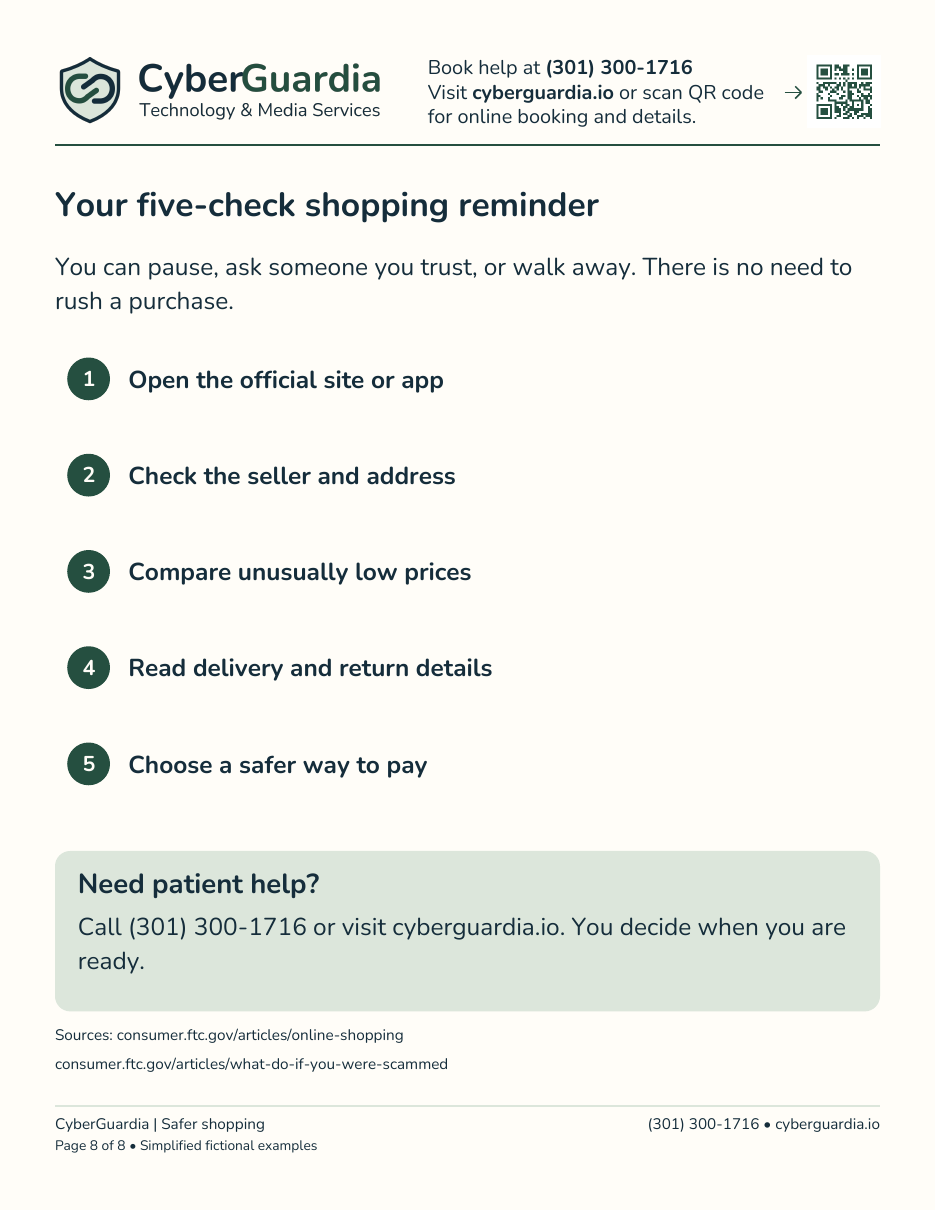
Your five-check shopping reminder

You can pause, ask someone you trust, or walk away. There is no need to rush a purchase.

Need patient help? Call (301) 300-1716 or visit cyberguardia.io. You decide when you are ready.

  1. Open the official site or app
  2. Check the seller and address
  3. Compare unusually low prices
  4. Read delivery and return details
  5. Choose a safer way to pay
Illustrated printed page: Your five-check shopping reminderView full size
Watch VideoRead OnlinePreview PDFDownload PDF

PDF · 8 pages · Large print · 182 KB

Reviewed answers

Ask CyberGuardia

What would you like help with? We’ll look for an answer in our Common Questions.

Please do not enter passwords, payment details, or private health information. Your question stays in this browser and is not sent to an AI service.

Browse all Common Questions

PDF Guide Preview

Preview the printed pages here. For adjustable text and screen readers, choose Read online below.

Loading preview…